



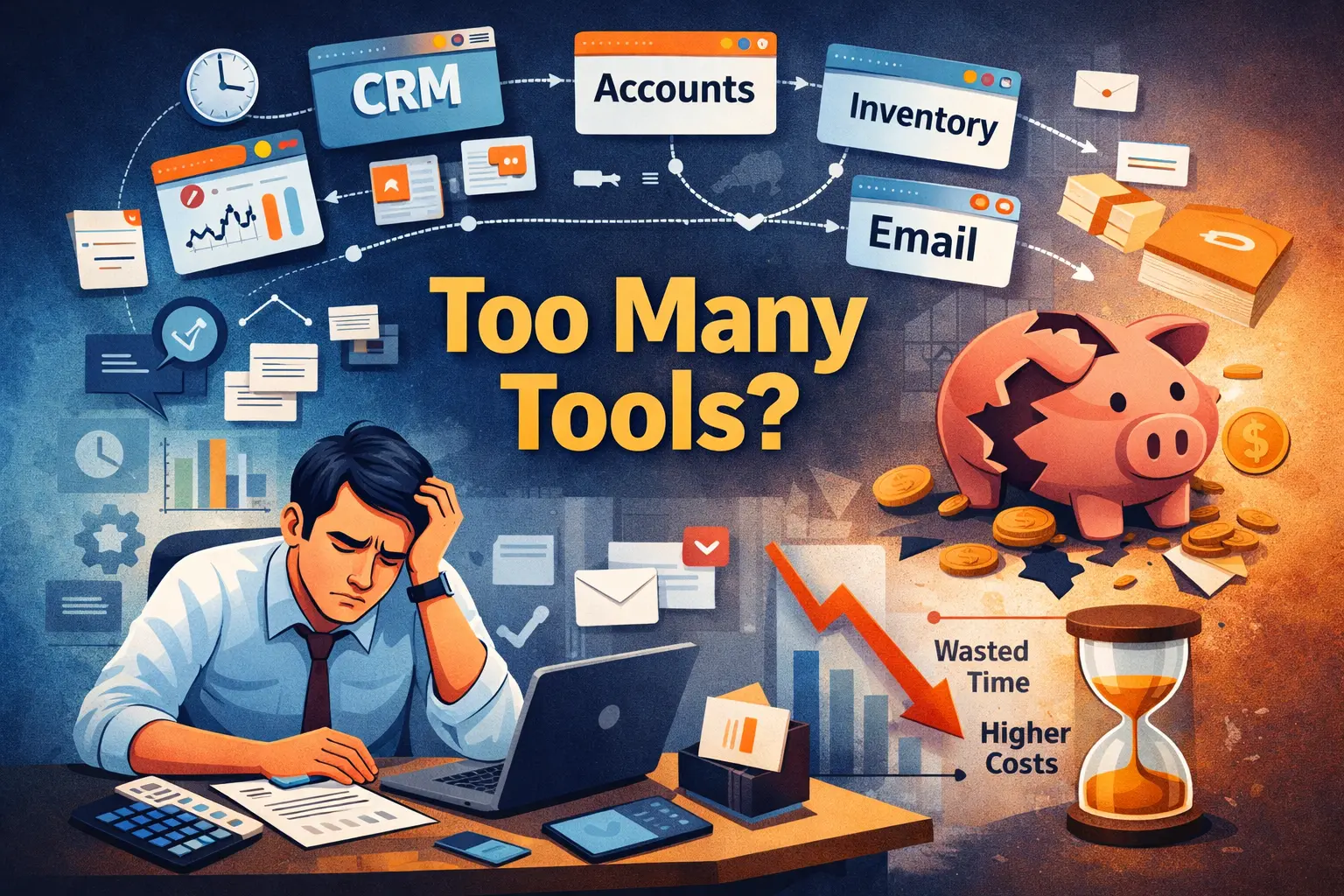
Using multiple tools for business operations can lead to inefficiency, errors, and hidden costs. Discover how a unified software solution can solve this.
At first, using multiple tools for business operations feels like a smart move.
One for accounting
Another for CRM.
Something else for inventory.
Spreadsheets for tracking everything else.
It works until it doesn’t.
This is where most businesses start losing money without realizing it.
If you're facing this issue, you can consult our team to identify gaps in your current system:
Suddenly, your team is switching between multiple tools just to complete one task. Data does not match. Reports do not align. Decisions get delayed.
The real problem is simple. You are losing time and money every day without even realizing it.
The Hidden Problem: Too Many Tools, No Control
Most growing businesses do not plan this.
They keep adding tools as they grow:
- One for sales
- One for billing
- One for operations
- One for communication
But these systems do not work together.
This creates a disconnected workflow where:
- Data is scattered
- Processes slow down
- Teams lose clarity
How Multiple Tools Are Costing You Money
Time Loss Across Teams
Employees spend valuable time switching between tools.
Even simple tasks take longer:
- Copying data
- Verifying entries
- Cross-checking reports
Time loss directly impacts productivity and revenue.
To fix this, many businesses are now switching to custom-built software solutions designed to connect all operations in one system.
Data Errors and Mismatches
When data is entered in multiple systems:
- Errors increase
- Reports become inconsistent
- Decision-making becomes risky
Delayed Decision-Making
Without accurate and unified data:
- Decisions take longer
- Opportunities are missed
Higher Operational Costs
You are paying for:
- Multiple software subscriptions
- Maintenance costs
- Training for different tools
Yet efficiency remains low.
Why This Happens in Growing Businesses
This problem usually appears during growth.
As operations expand:
- Teams increase
- Data volume grows
- Processes become complex
Without a centralized system, control is lost.
The Smarter Solution: One Unified System
Businesses are now moving towards custom software solutions to solve this problem.
This is exactly why many growing companies are moving toward centralized and scalable business software systems.
What Changes with a Unified System
- All operations are managed in one place
- Real-time data access
- No duplicate work
- Faster and smoother workflows
How It Solves the Core Problem
- Eliminates tool switching
- Reduces errors
- Improves decision-making
- Saves time and cost
Most importantly, it gives complete control over business operations.
If you're planning to invest in software, this guide on choosing the right software development company can help you avoid costly mistakes.
Reality Insight
Businesses that adopt centralized systems often experience improved workflow efficiency and better visibility across departments within a short period.
This Is Not Just a Technology Upgrade
It is a shift from managing multiple tools to managing the business more effectively.
If your team is constantly switching between tools and still struggling with inefficiency, it is time to rethink your system.
A custom software solution can help you:
- Bring all operations into one platform
- Reduce unnecessary costs
- Improve efficiency
If your business is running on multiple tools and still facing delays, errors, or confusion, the problem is not your team—it’s your system.
The sooner you move to a unified solution, the faster you regain control, reduce costs, and improve efficiency.
Opportunities never comes twice, so talk to our experts now
FAQs
Why are multiple tools inefficient for business operations?
They create disconnected workflows, increase manual work, and lead to errors and delays.
What is a unified business software system?
It is a centralized platform that manages all business operations in one place.
How can custom software reduce costs?
It eliminates multiple subscriptions, reduces manual effort, and improves operational efficiency.
Is custom software suitable for small businesses?
Yes, it can be designed based on the specific needs and scale of the business.
When should a business move to custom software?
When multiple tools cause delays, errors, or lack of visibility across operations.
Comments (0)
Comments are currently disabled. Stay tuned for updates!